Context
Phenom is a product company that provides IT services for managing the hiring process and ensuring a comprehensive experience for candidates, recruiters, employees, and employers.
Screening is one of the tools for remote candidate selection, which uses an innovative questionnaire and allows candidates to highlight their personality through one-way video interviews.
Problem
Most users use screening questionnaires only for one type of job or scenario, such as for entry-level positions.
Although our product has a wide range of features and can be an effective solution for various levels and types of vacancies.
01.
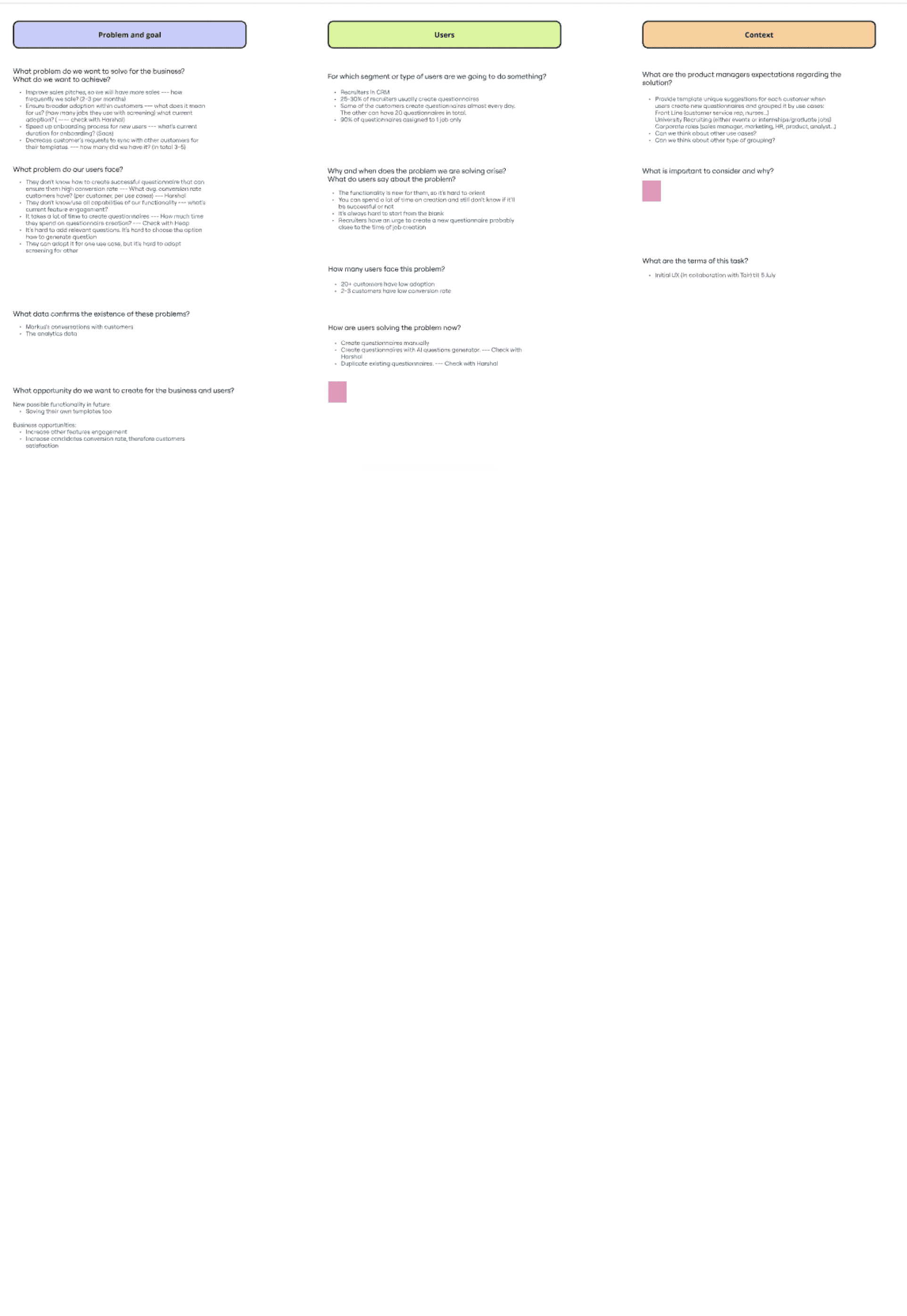
Collaboration with project managers
Is there already a solution in mind? What are the deadlines? How long can I work on this? Are there any restrictions? Have users reached out with requests?
Collaboration with sales/marketing teams
What cases are highlighted during calls? How is the Screening tool promoted?
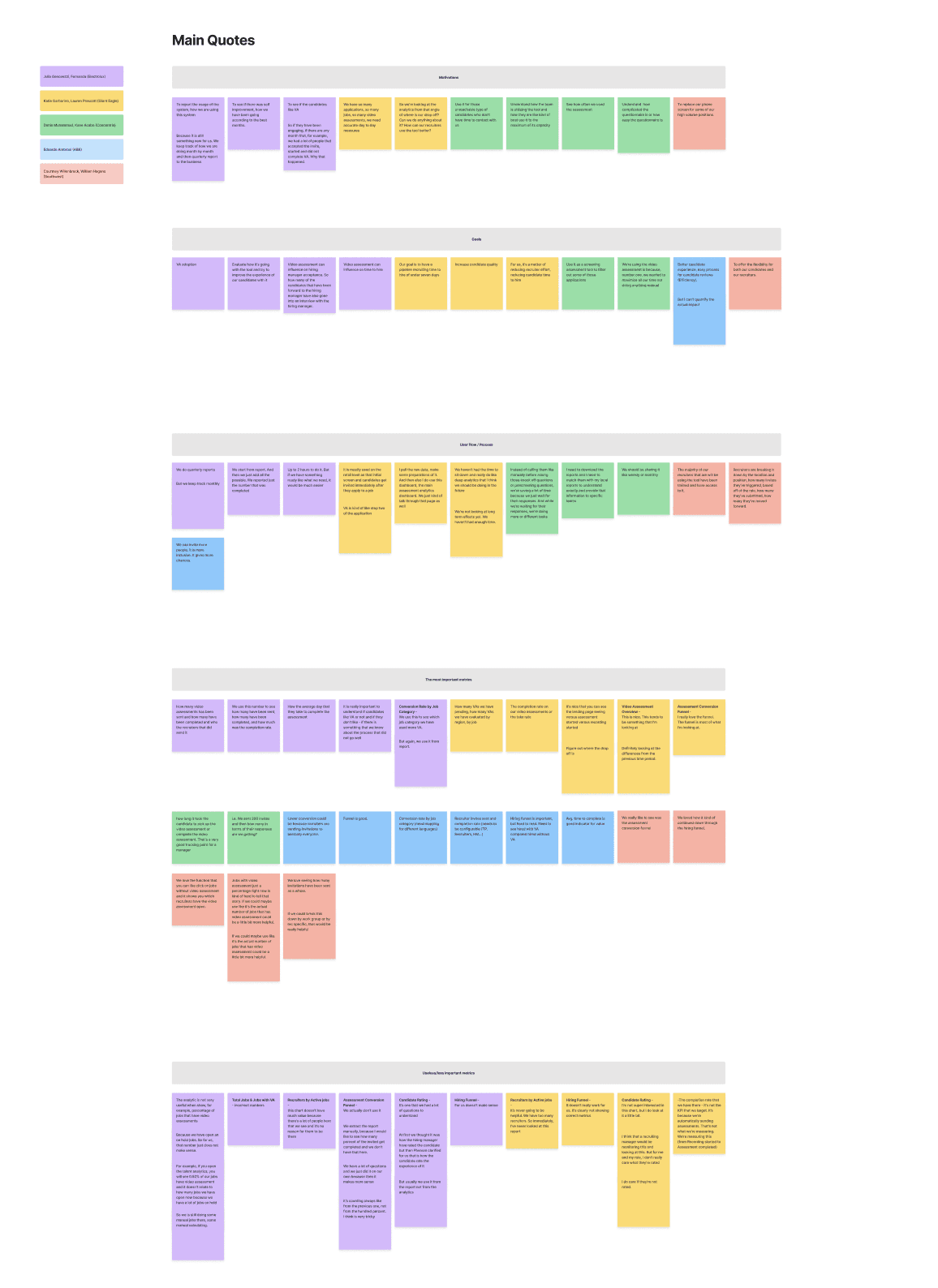
Interviews with users
What problems do they encounter when creating questionnaires? How are these problems currently being addressed?
02.
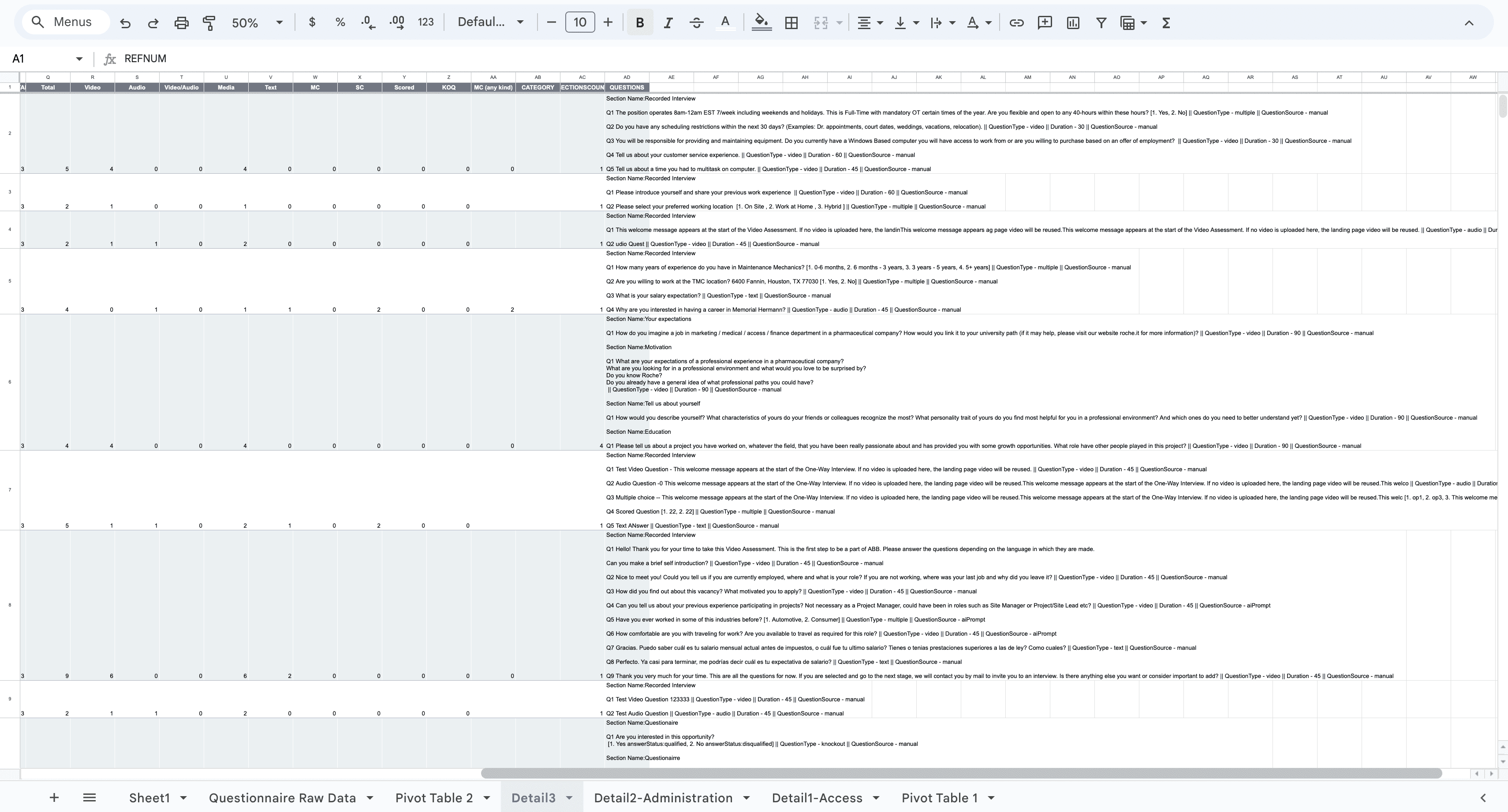
Existing Questionnaires
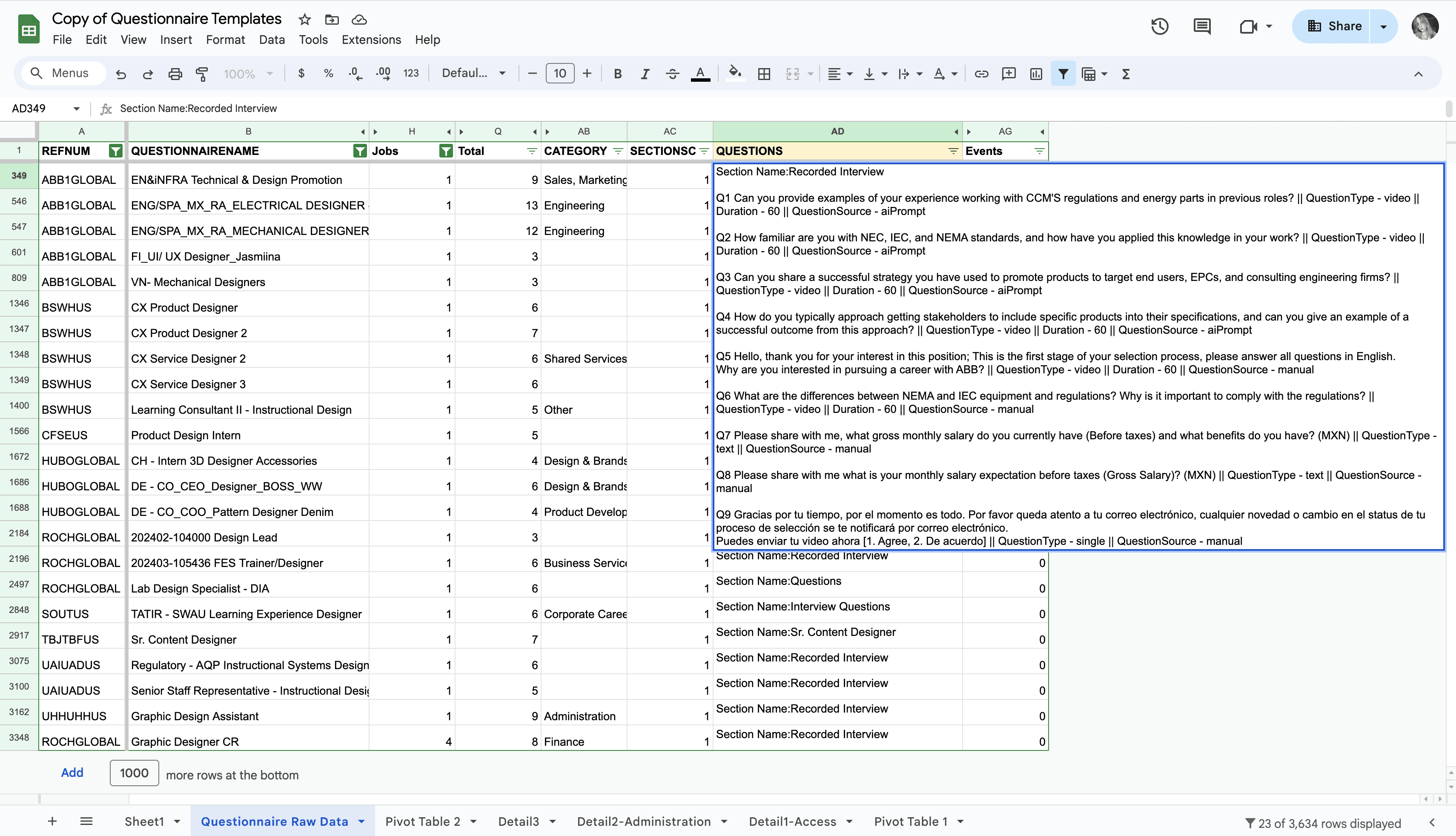
Which questions are used most frequently? For what type of vacancies? Which questionnaires have the highest conversion rates? Which questionnaires have been duplicated most often?
User Behavior
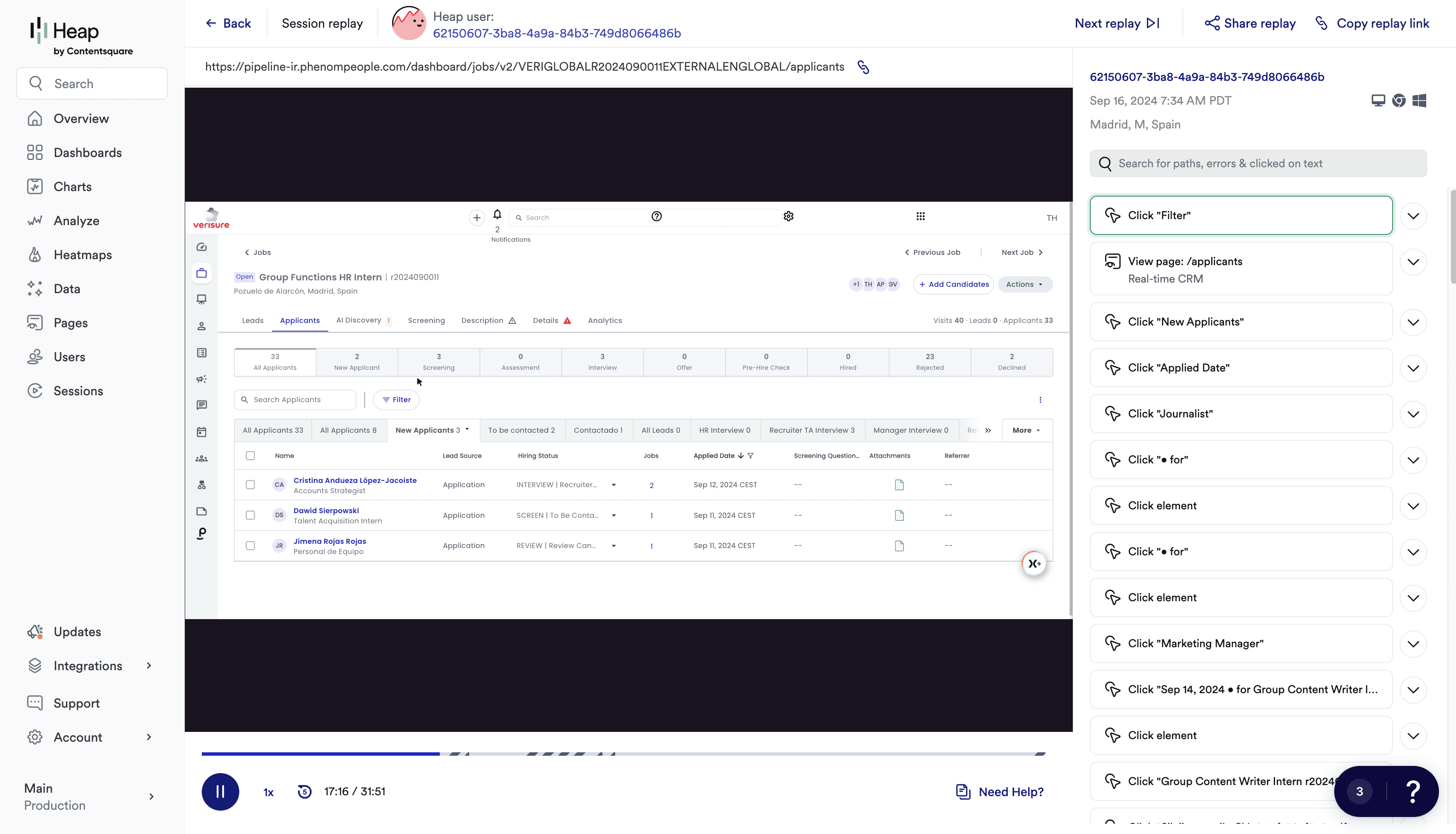
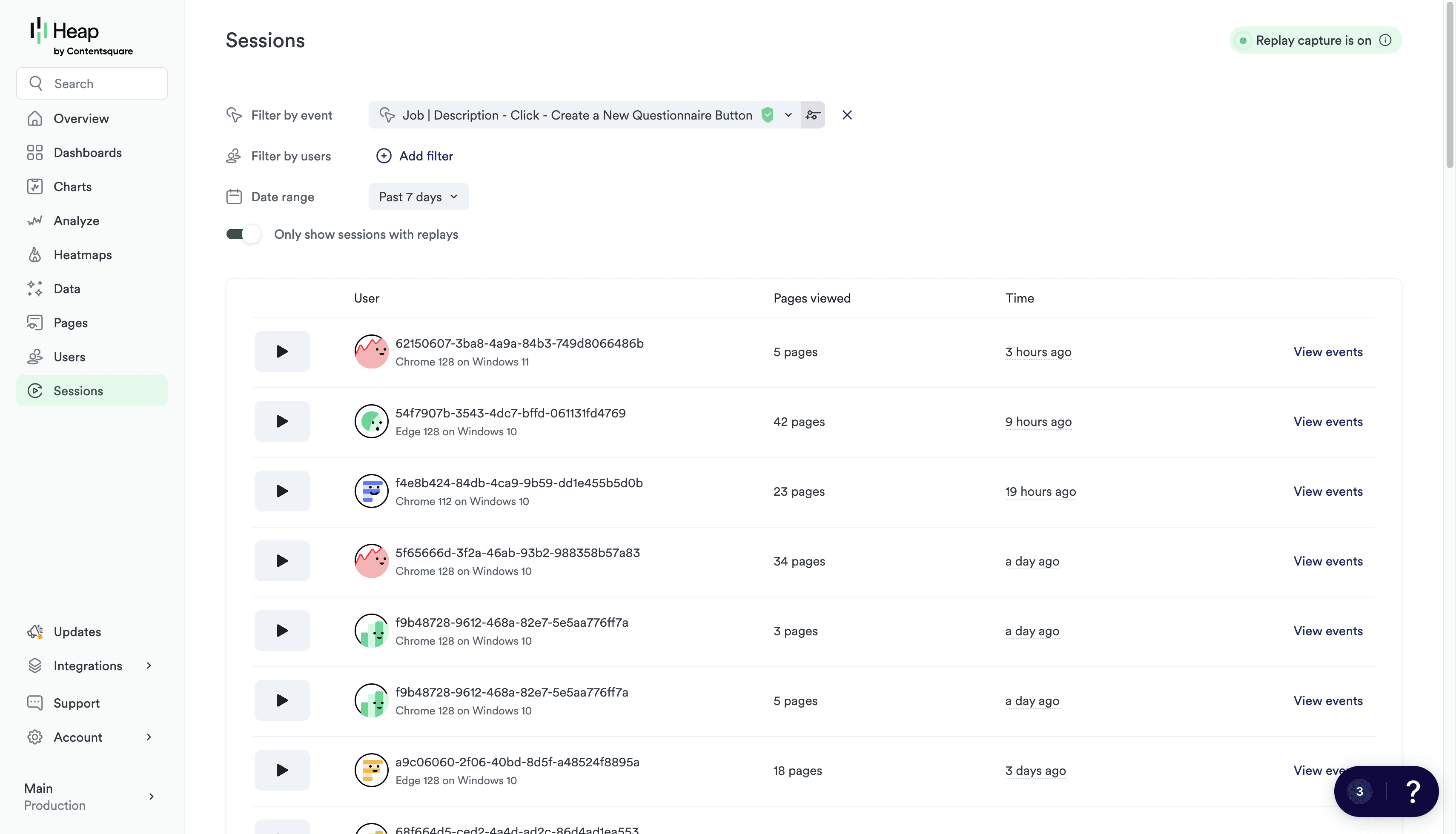
Reviewing sessions in Heap to identify key behavioral patterns of our users, and which other flows are related to the creation of questionnaires.
Key Metrics
Defining success metrics and recording the current baseline.
01.
They do not know how to effectively use screening questionnaires for different types of vacancies.
02.
Creating a questionnaire takes a lot of time. They do not know how to create a questionnaire that will ensure a high conversion rate from candidates on the first attempt.
03.
Some features of the questionnaires are new to users, so they believe that mastering them will be difficult or do not see the value in them.
Generally, our ultimate goal is to create the best possible experience for our users. So we can directly impact our company's primary objectives.
Increase the number of users who use questionnaires for 2+ use cases.
Increase the number of successful questionnaires that have high conversion.
Increase user engagement with the advanced features of the questionnaire.
We brainstormed with the team and stakeholders to prioritize solutions that best fit our timelines. We considered three main options:
Ready-made questionnaires
AI-generated questionnaires
Saving users’ own questionnaires in a library
This approach highlights different questionnaire use cases; helps customers improve conversion using proven templates; requires significantly less development effort compared to the AI-based solution.
Hypothesis
Quick overview
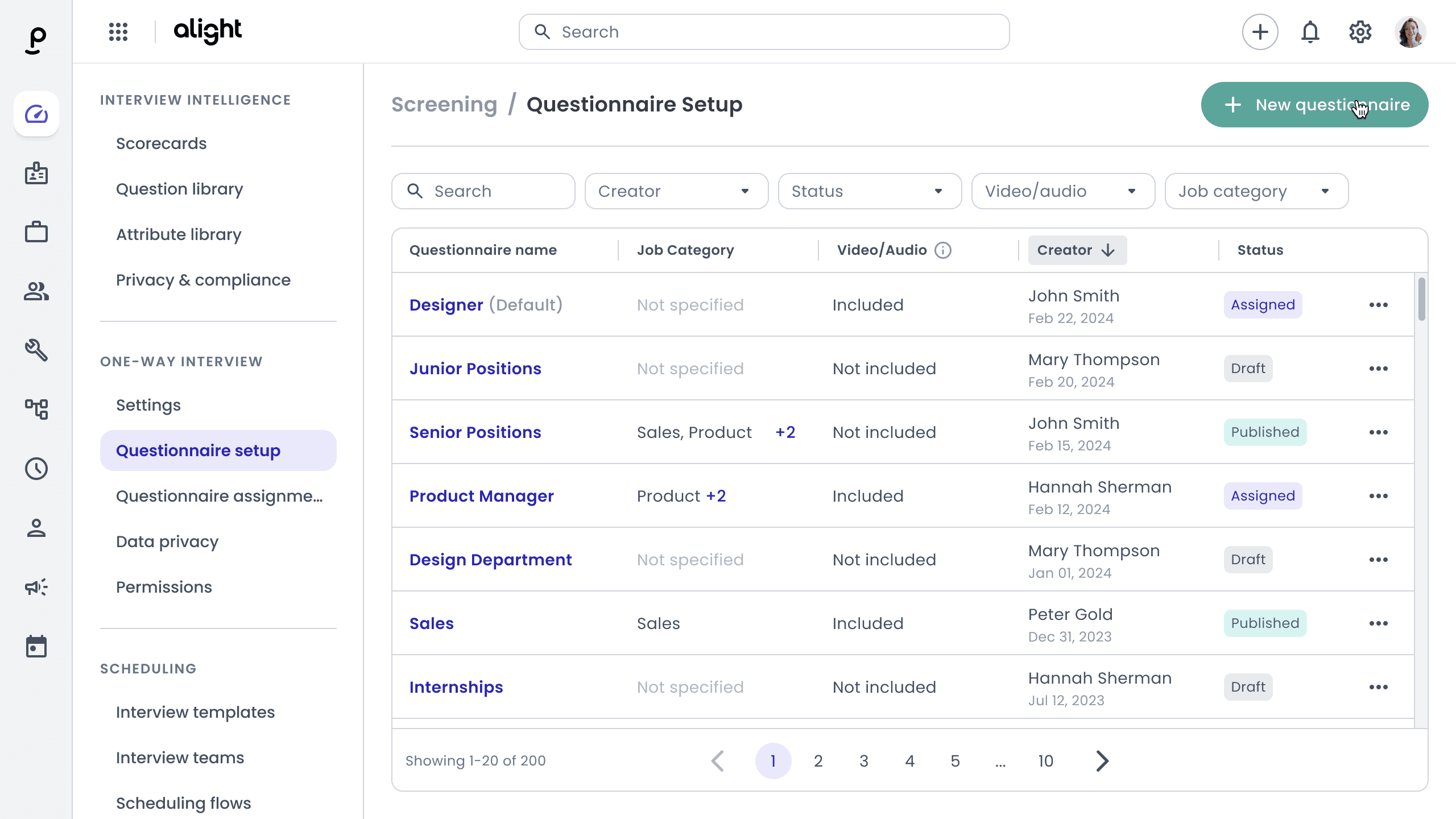
The interface doesn’t make it clear that questionnaires can be used across different vacancy types. There are no recommendations or best-practice tips to guide users.
Solution
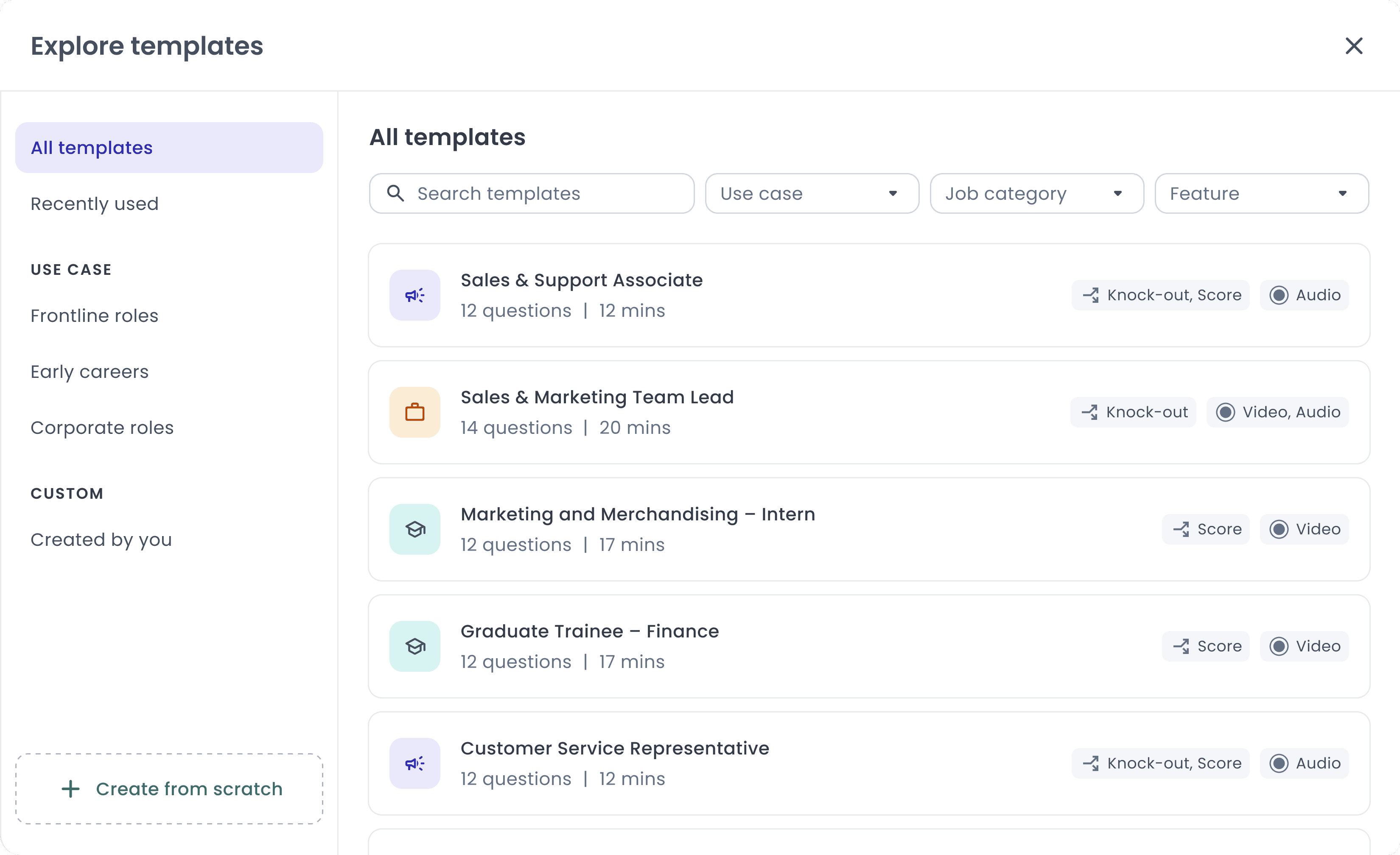
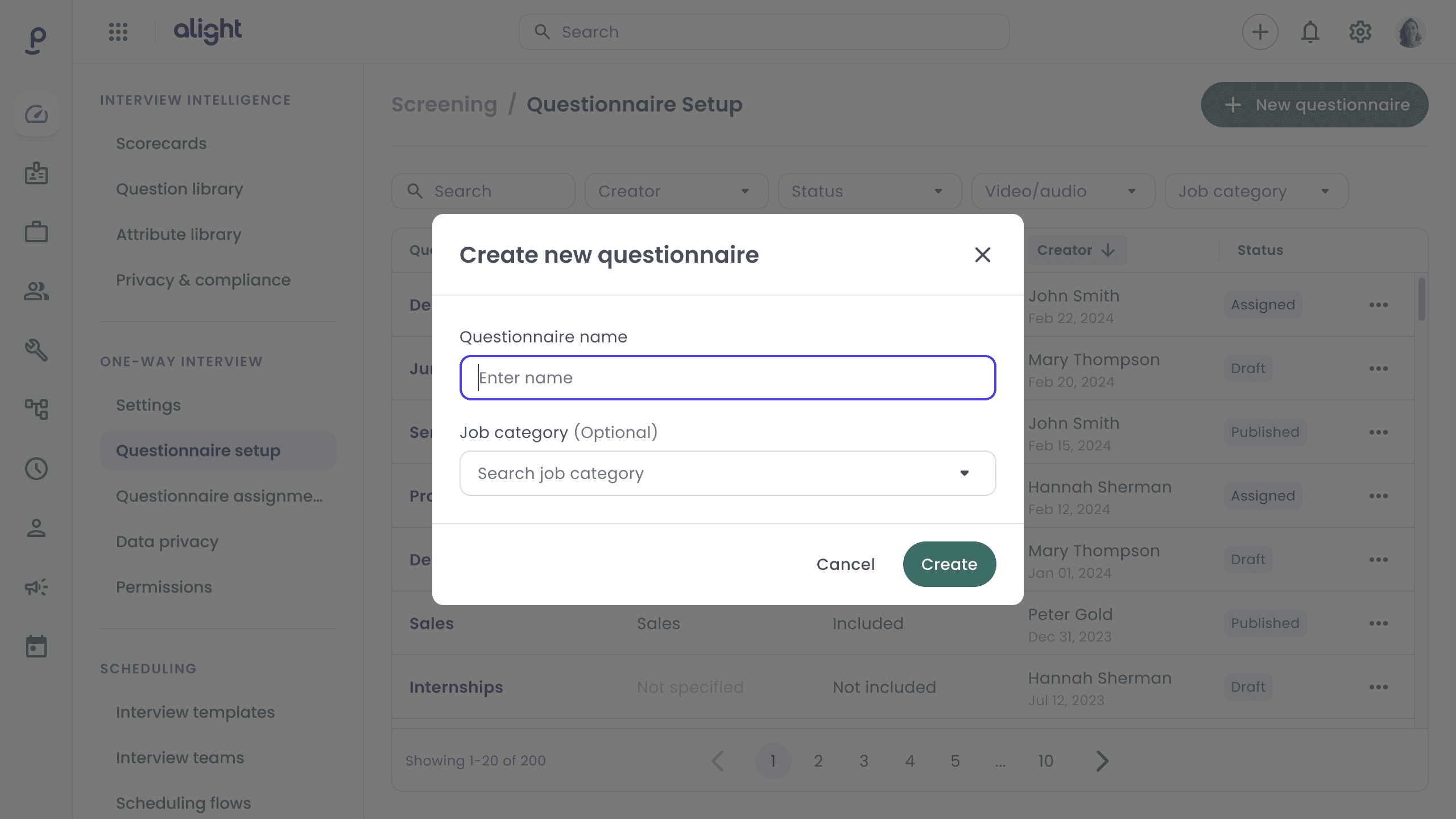
The main entry point is after clicking to create a questionnaire. We suggest that users can speed up the process or find inspiration using the new 'Templates' feature as an alternative to 'Start from Scratch.'
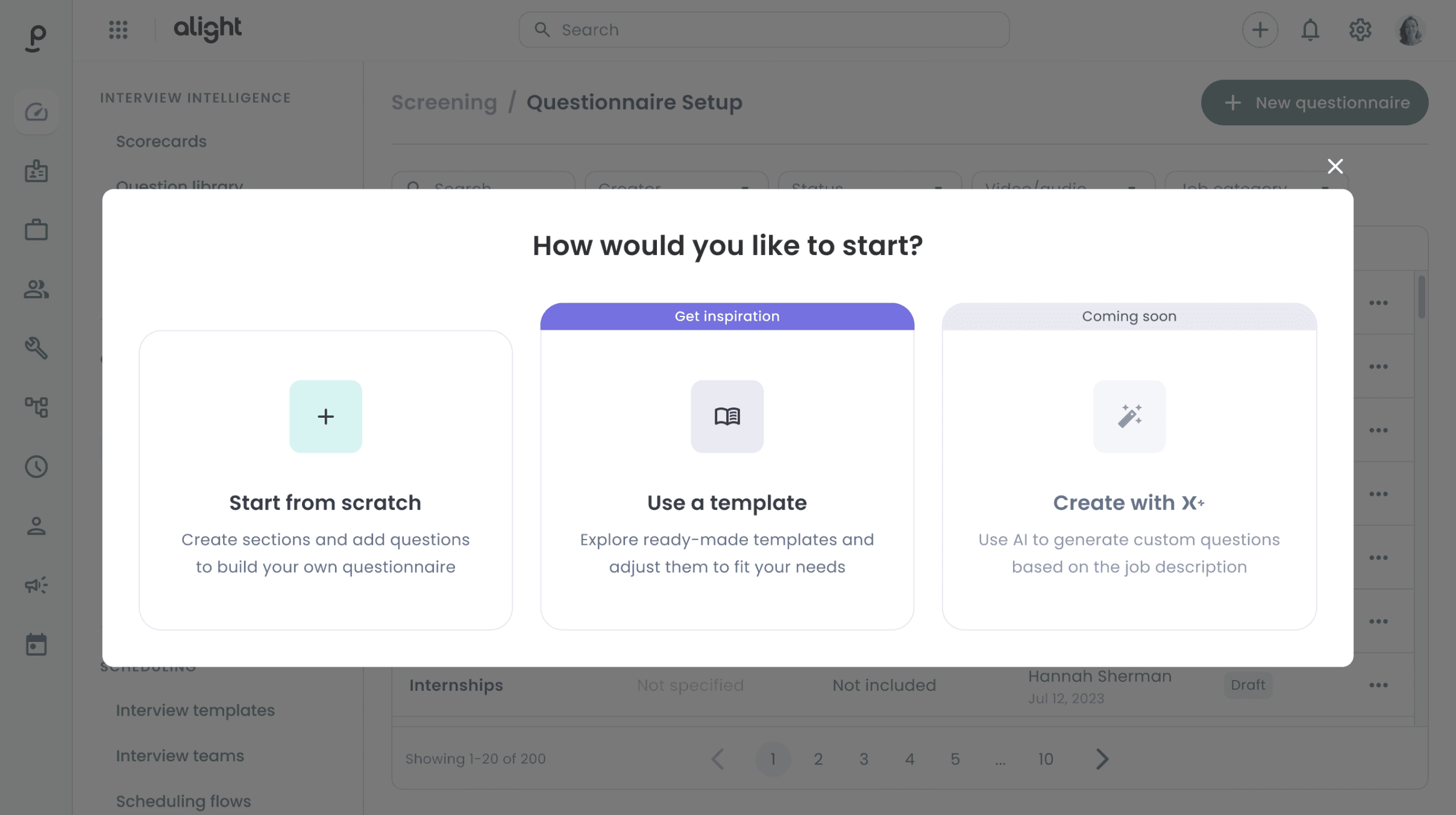
// We immediately promote the next feature, which was one of the solutions discussed during the brainstorming session. However, due to development challenges, it has been postponed.
Solution
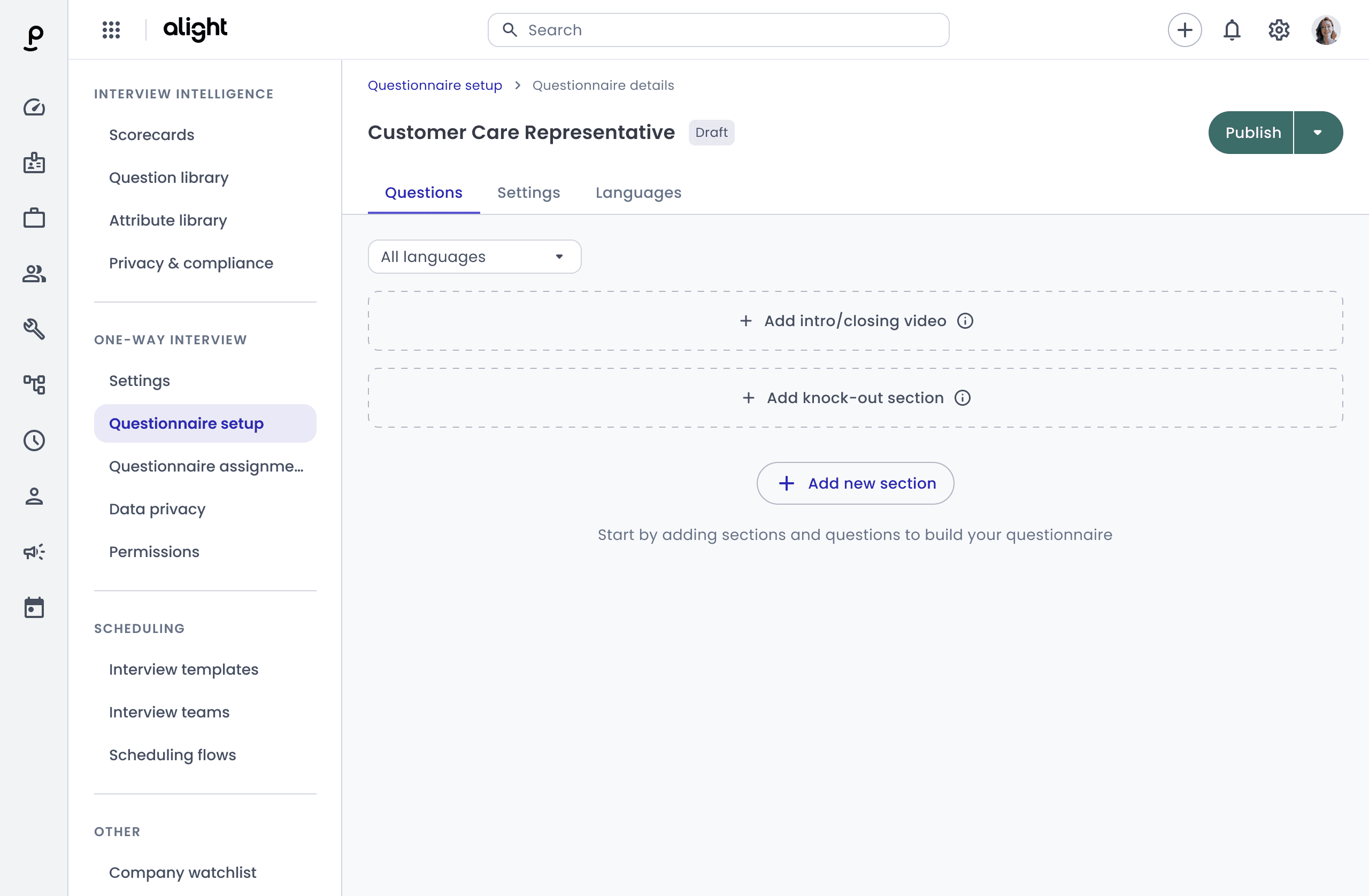
Since creating a questionnaire often follows the creation of a job posting, I considered an additional trigger to encourage users to explore new use cases. We detect job postings with low screening adaptation and offer to add screening to them.
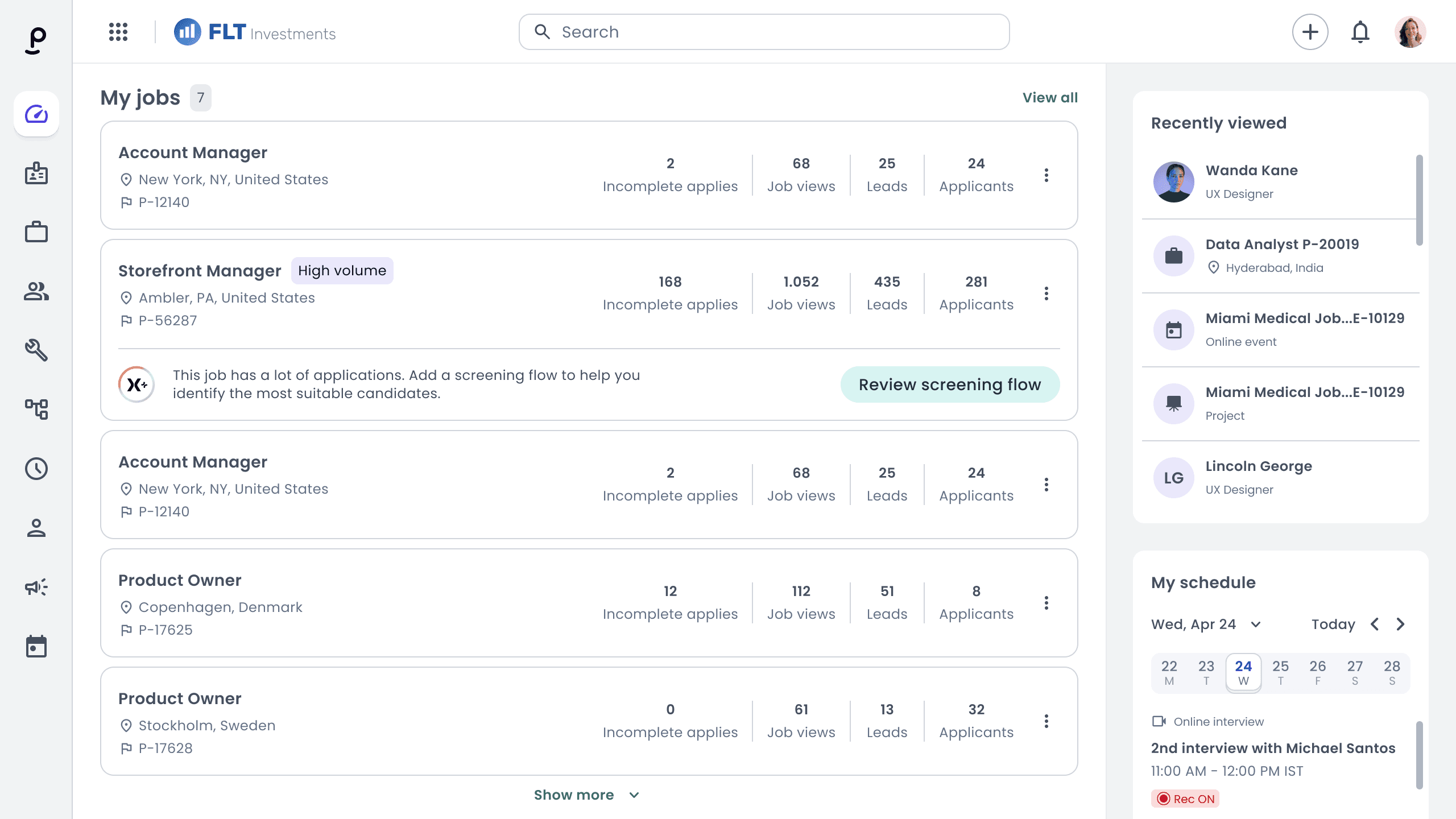
Solution
I focused on grouping these templates. We settled on categories based on use cases (which we defined after discussions with users and sales teams) to highlight then and help users to discover new opportunities without confusion.
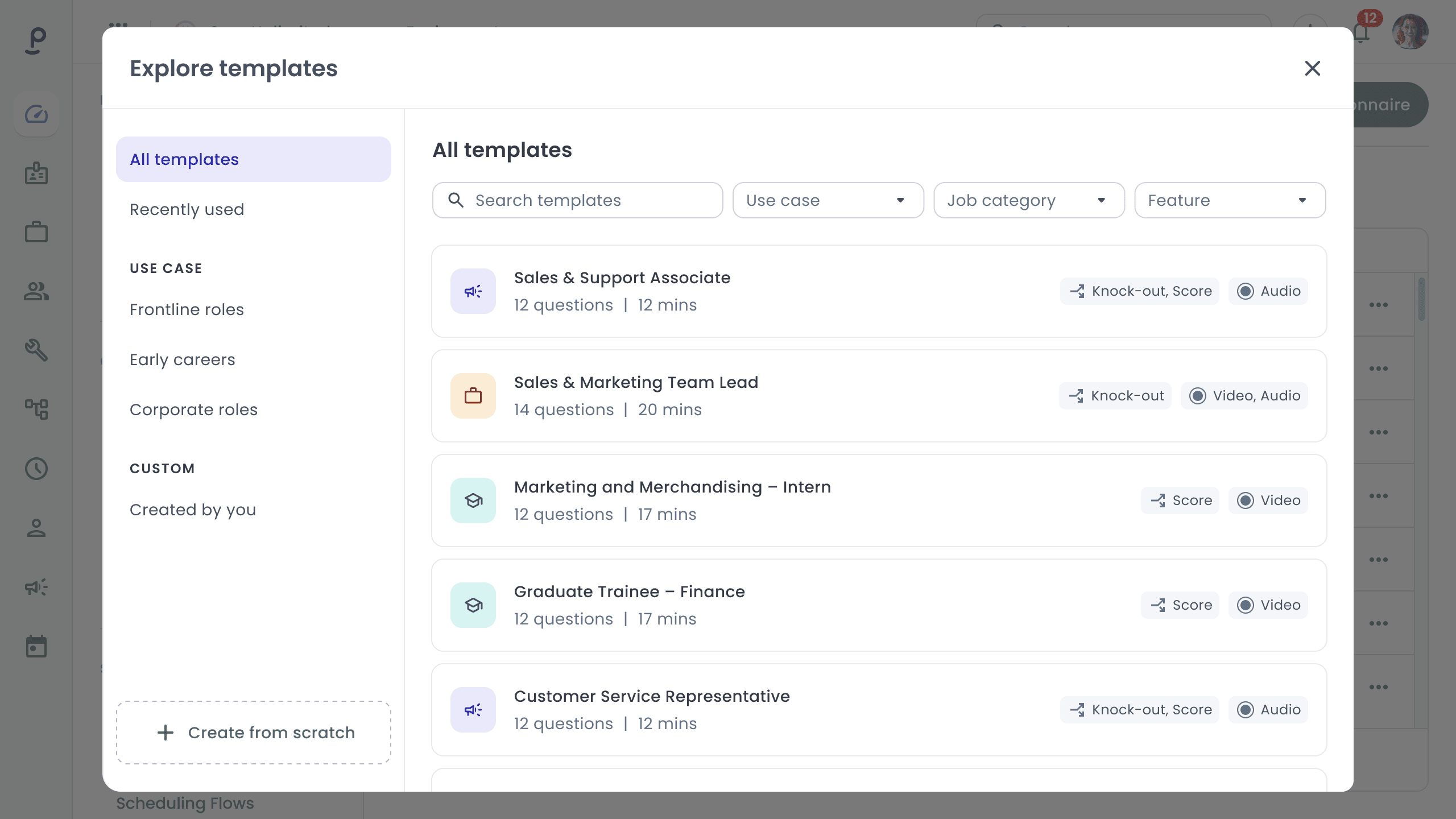
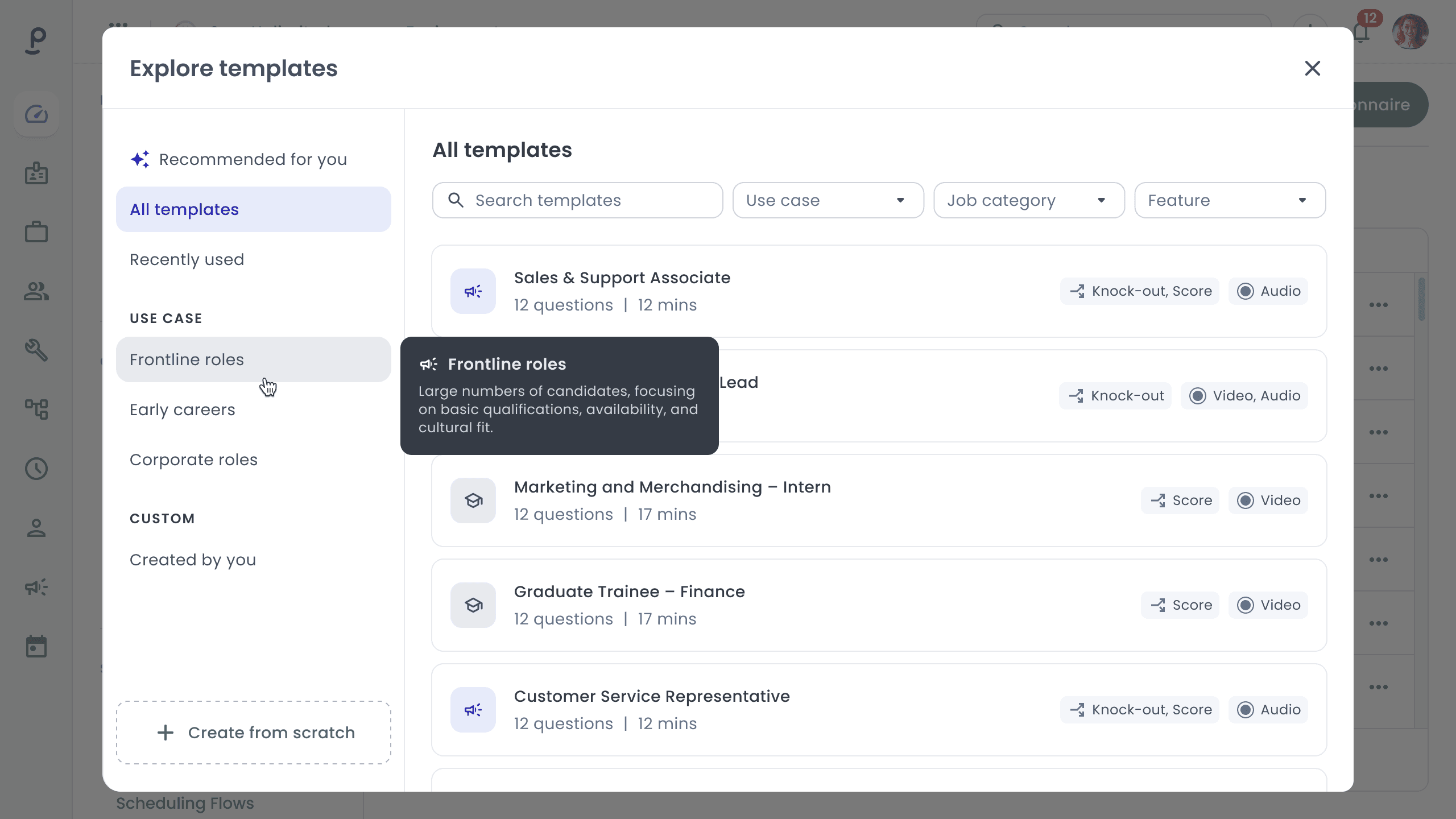
// Short descriptions differentiate use cases by the topics that can be covered with the screening tool.
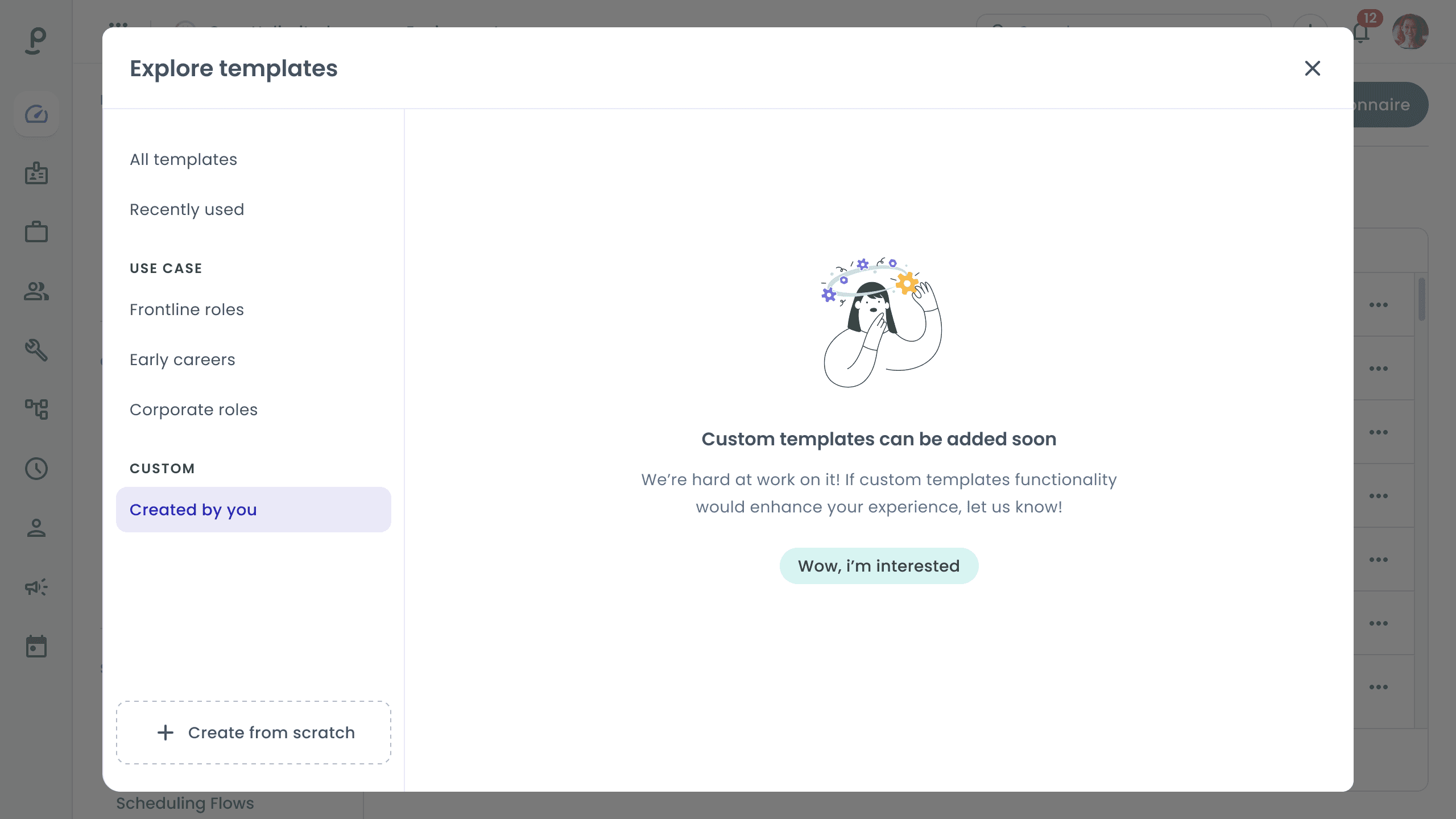
// Additionally, we considered custom templates as a potentially useful feature that could speed up the creation of questionnaires for recruiters, but it didn't directly impact adaptation, and we were unsure if this feature was needed by users or if we should spend time on it.
So, I suggested adding a clickable tab in the first iteration and implementing a door test. We could count how many users would be interested in this functionality in general and then decide whether to develop it or not.
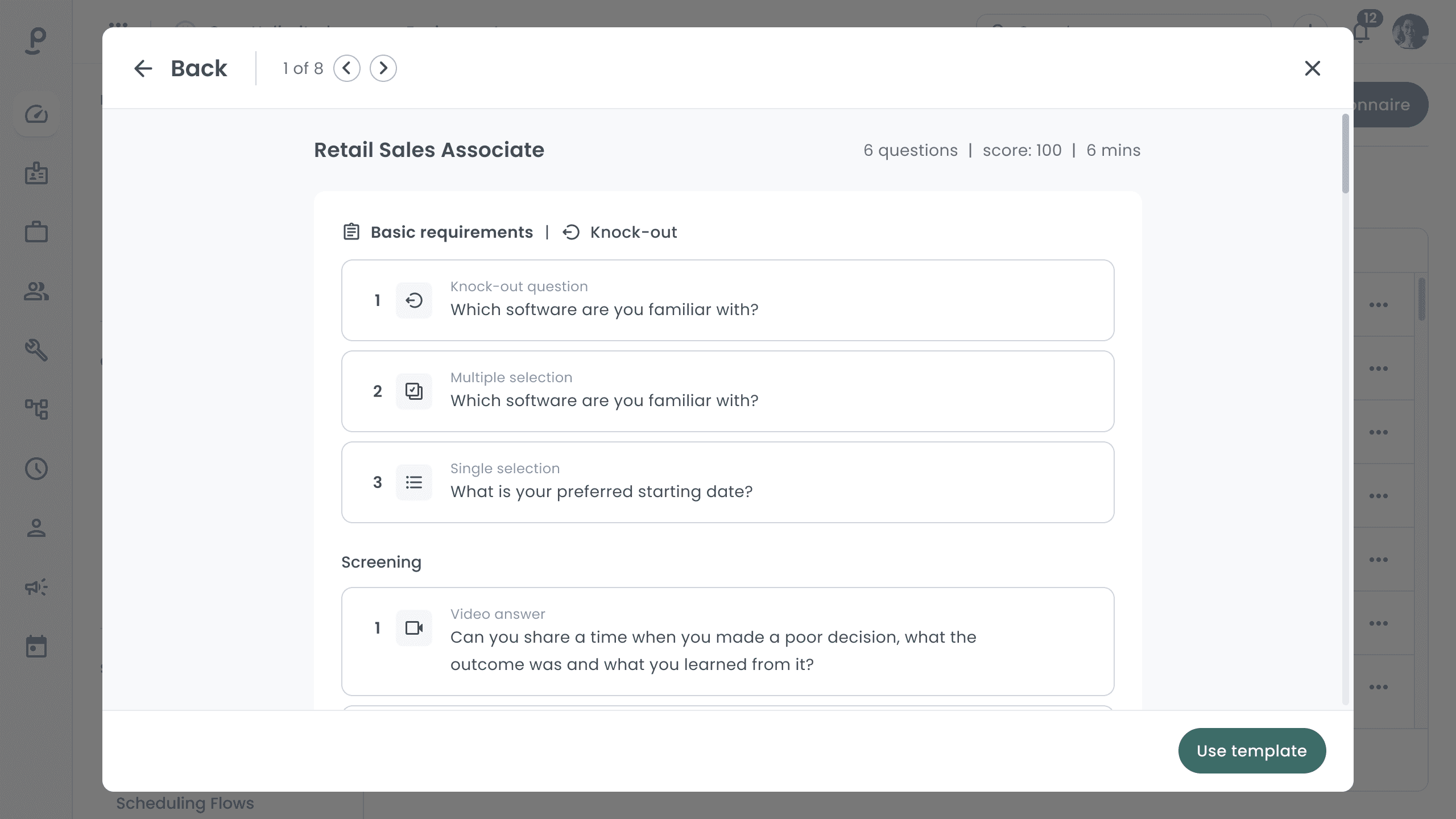
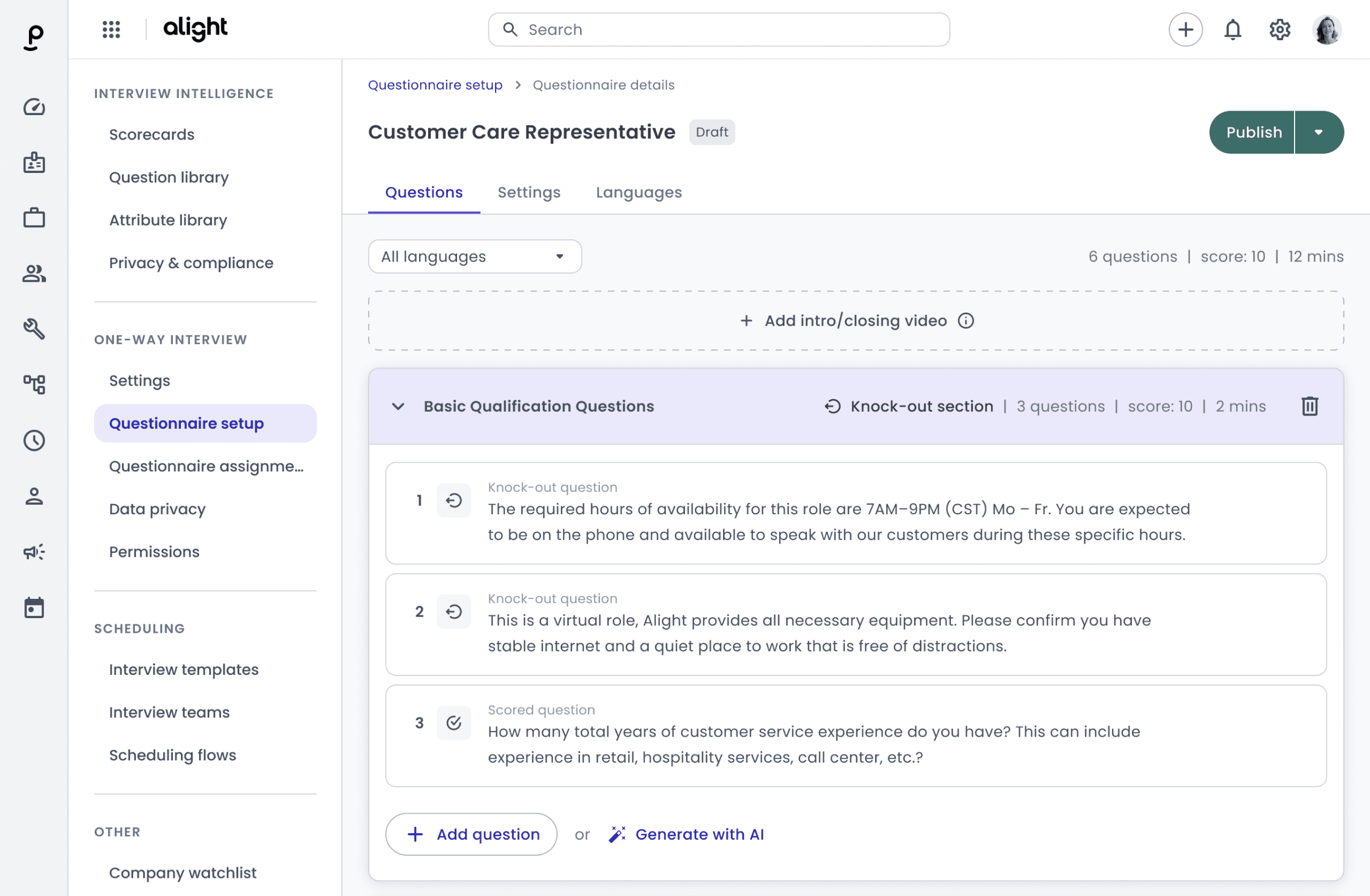
// A preview was added as a full screen since questionnaires visually differ mainly by their questions. This allows users to review the questions in detail and confidently choose a template before making a decision.
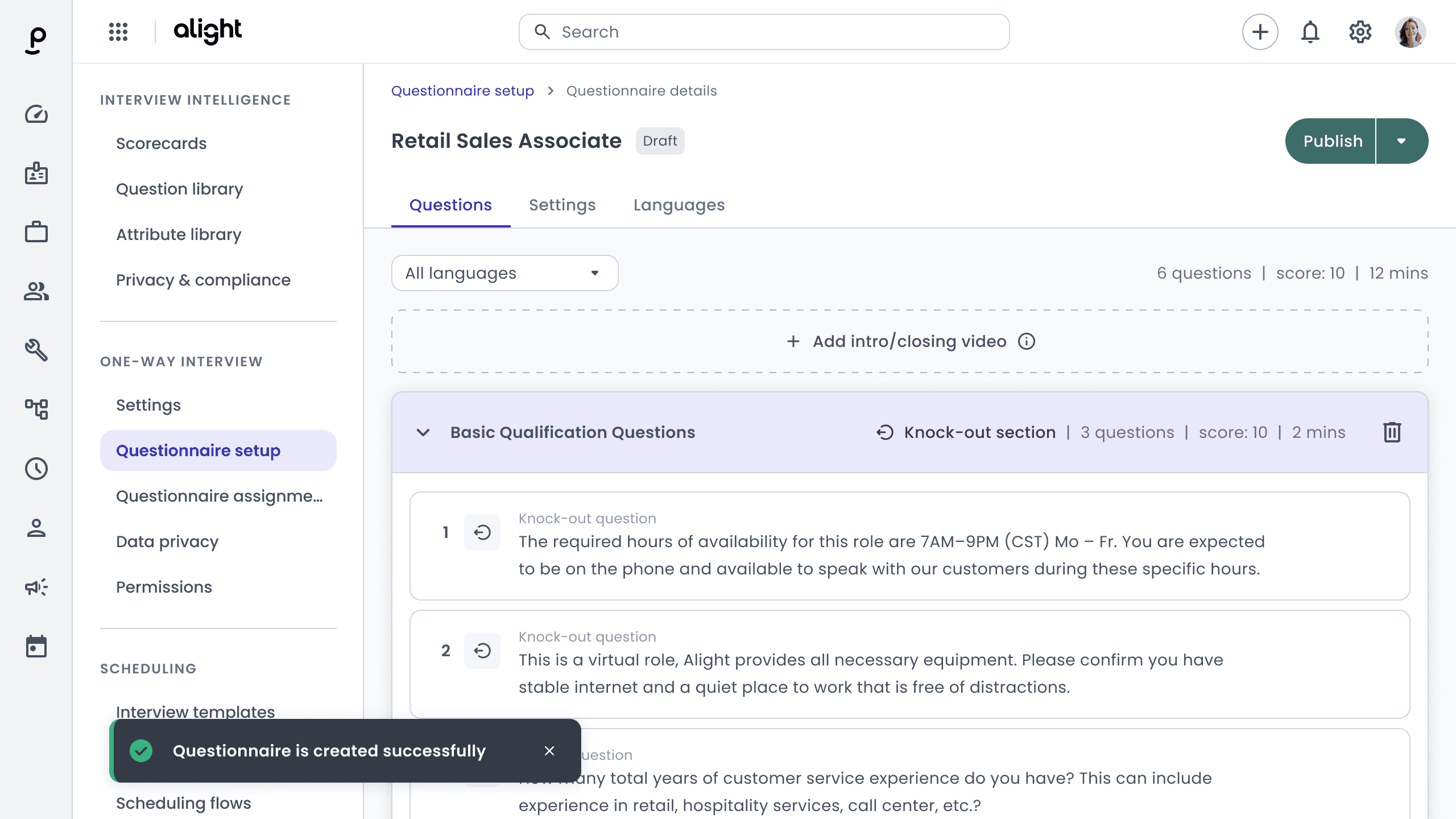
// Finally, users can successfully use a template without starting from a blank page.
28%
An increase in the percentage of users who use screening questionnaires for various scenarios.
32%
An increase in conversion rates from candidates. Which directly correlates with the overall satisfaction score.
We received positive feedback from the sales and marketing teams. Their pitch became clearer, and they felt greater interest from potential users.